

Signing in
SuiteGetting started
Your Shiloh account
Section titled “Your Shiloh account”One Shiloh account signs you in to Balie and Kantoor. Your password is kept in your Shiloh account, not in the products. When you are signed in to one, you are signed in to the other in the same browser without typing your password again (single sign-on).
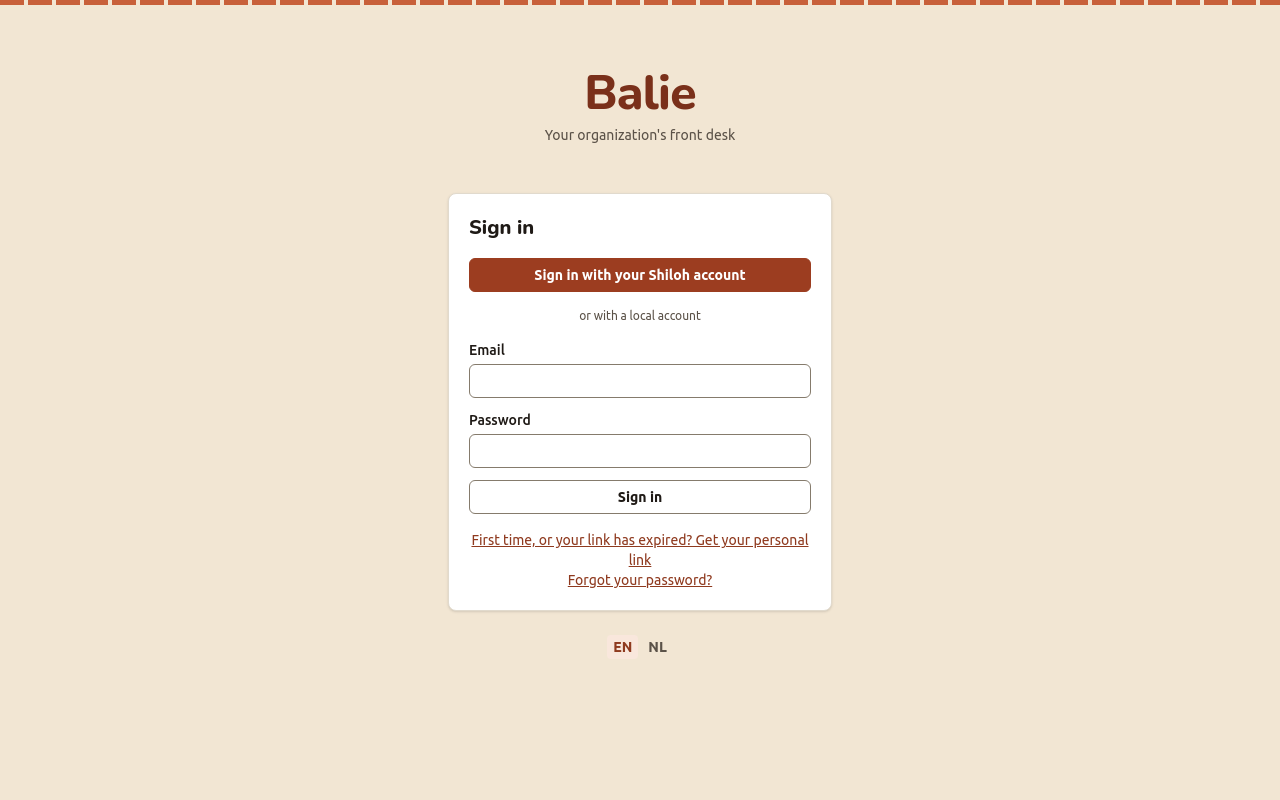
Sign in to Balie
Section titled “Sign in to Balie”- Open https://balie.shilohbv.com and choose Sign in with your Shiloh account.
- On the Shiloh sign-in page, type your e-mail address (or user name) and your password.
- You return to Balie, in your organisation.
Some organisations sign in with a local Balie account instead: type the Email and Password under or with a local account and choose Sign in.
Sign in to Kantoor
Section titled “Sign in to Kantoor”- Open https://kantoor.shilohbv.com and choose Sign in.
- Sign in with your Shiloh account as above.
Mail and calendar apps do not use this password: they use an app password.
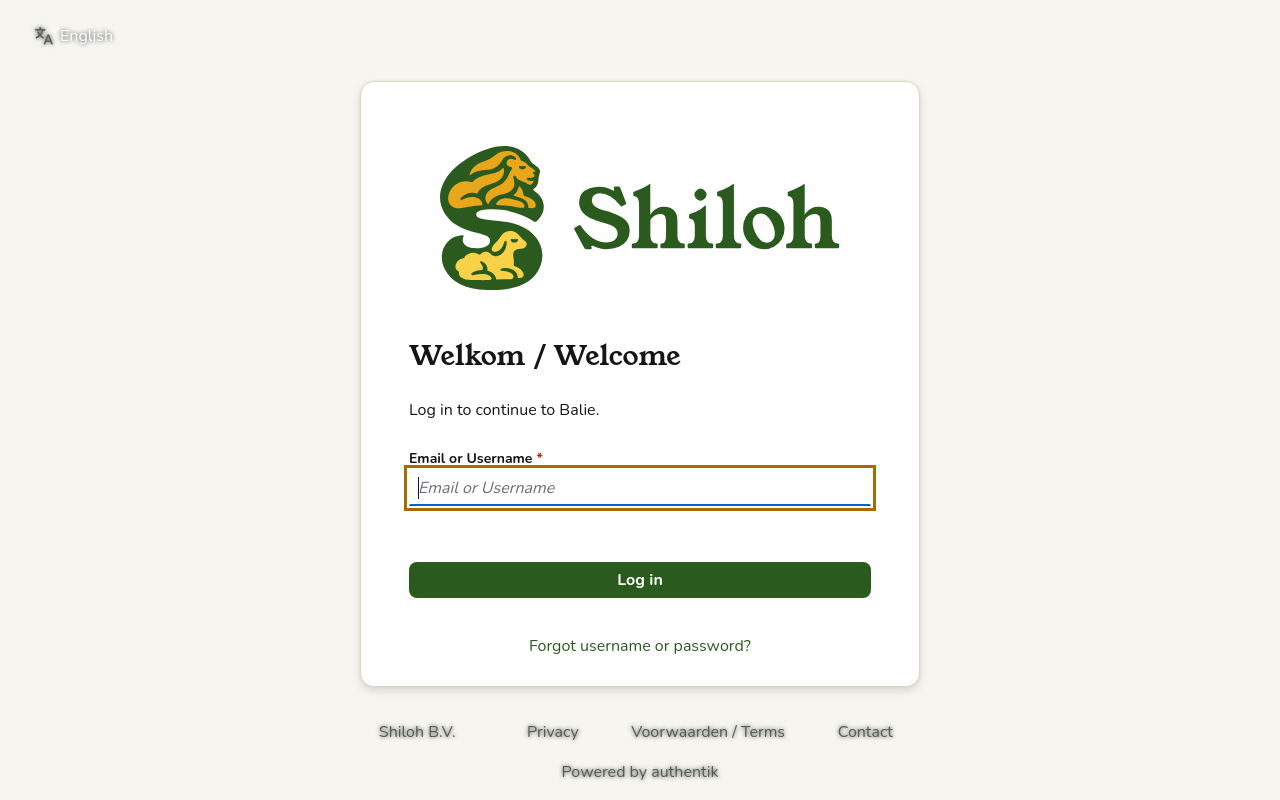
First time, or your link has expired
Section titled “First time, or your link has expired”If you have a Shiloh account but never chose a password, or your link expired:
- On the Balie sign-in page, choose First time, or your link has expired? Get your personal link.
- Type your e-mail address and choose Send me my personal link.
- Open the mail and follow the link to choose your password. The link works once, for a limited number of hours.
Forgot your password
Section titled “Forgot your password”- On the Balie sign-in page, choose Forgot your password?.
- The Shiloh sign-in service asks for your e-mail address and sends you a link to choose a new password.
Signing out
Section titled “Signing out”- In Balie, choose Sign out at the top. Balie also signs you out of the Shiloh sign-in service (Signing you out at the sign-in service too.).
- In Kantoor, choose Sign out in the menu.
On a shared computer, always sign out and close the browser.
Tienda
Section titled “Tienda”Tienda does not use the Shiloh account. You sign in with a code sent to your e-mail:
- Open https://tienda.shilohbv.com.
- Type your Email address and choose Send code.
- Type the six-digit Login code from the mail and choose Verify.
A code works once. It is valid for 10 minutes. After five wrong tries the code no longer works; ask for a new one. There is no password to remember. See Tienda at a glance.
Problems signing in
Section titled “Problems signing in”| What you see | What to do |
|---|---|
| The sign-in service does not answer. Try again in a moment. | Wait a moment and try again. |
| Too many requests. Try again in a while. | You asked for links too often. Wait a while. |
| Balie says you have no organisation | You are signed in, but not yet a member. Ask the owner of the organisation to add you under Settings, People. |
| Kantoor says your account is suspended | Contact us. Nothing was deleted. |
| The Tienda code does not arrive | Look in your spam folder; ask for a new code. |