Kantoor at a glance
KantoorTour
Kantoor is your office: mail, calendar, tasks and contacts in one place. You use it in the browser at https://kantoor.shilohbv.com, and in the mail and calendar apps you already have on your phone and computer (see Mail and calendar apps).
Everything stays in step: a task you add on your phone is on the Tasks page, an event you accept in a mail is in your calendar, and a change in the browser reaches your apps.
Signing in
Section titled “Signing in”- Open https://kantoor.shilohbv.com and choose Sign in.
- Sign in with your Shiloh account. See Signing in.
Kantoor has no password of its own for the browser. Mail and calendar apps use an app password instead.
The screens
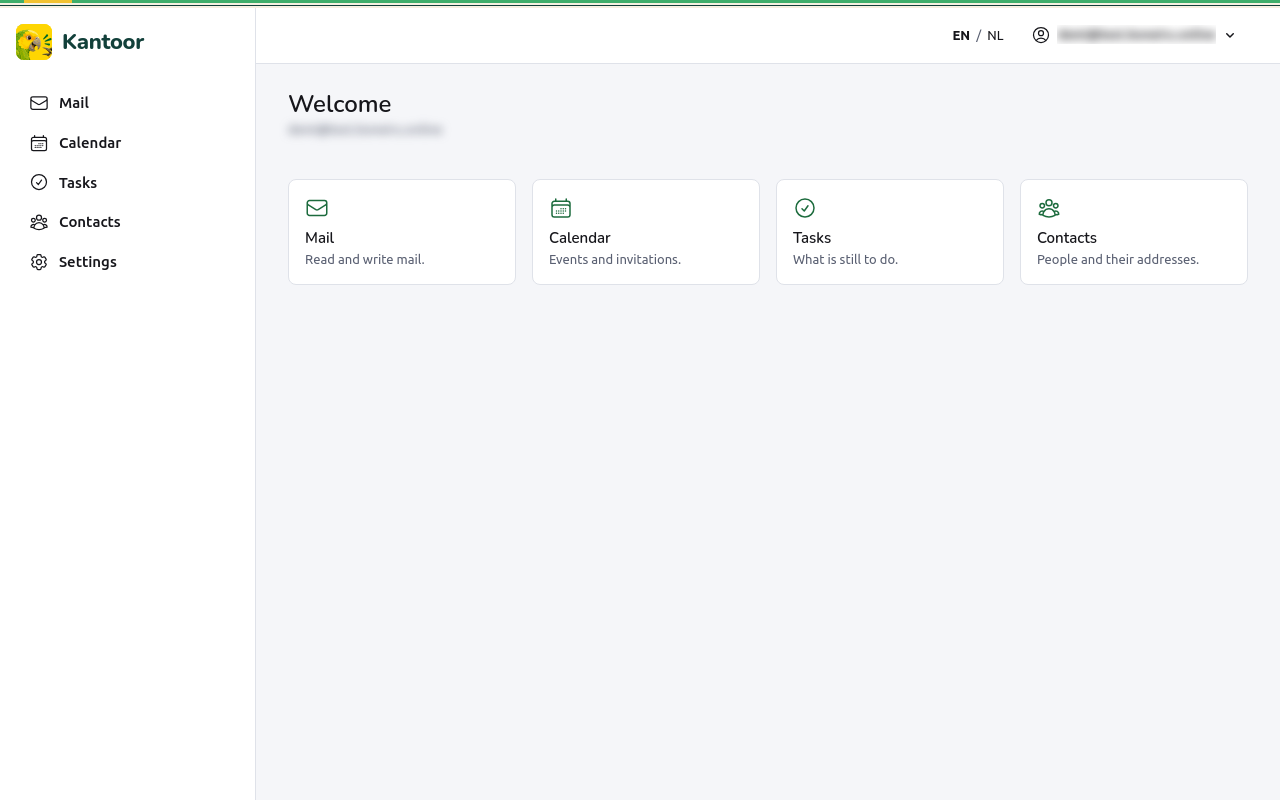
Section titled “The screens”The menu on the left (on a phone and a small screen: behind Menu) has:
| Item | What you do there | Page |
|---|---|---|
| Read and write mail. | Reading mail, Writing mail | |
| Calendar | Events and invitations. | Calendar |
| Tasks | What is still to do. | Tasks |
| Contacts | People and their addresses. | Contacts |
| Settings | Your profile, sending identities, filters, vacation reply, calendars, app passwords, sharing. | Settings |
The EN / NL switch at the top changes the language of the screens (see Languages). Your address at the top right opens your menu with Sign out, which ends your session in this browser.
Kantoor follows the light or dark setting of your device.
Your mailboxes
Section titled “Your mailboxes”A mailbox is an address that receives mail, such as info@example.com. You can
have one or several, for example your own address and a shared info@ address.
We set up mailboxes and attach them to your account; if Kantoor says No mailbox
yet. Ask an administrator to attach a mailbox to your account., ask us.
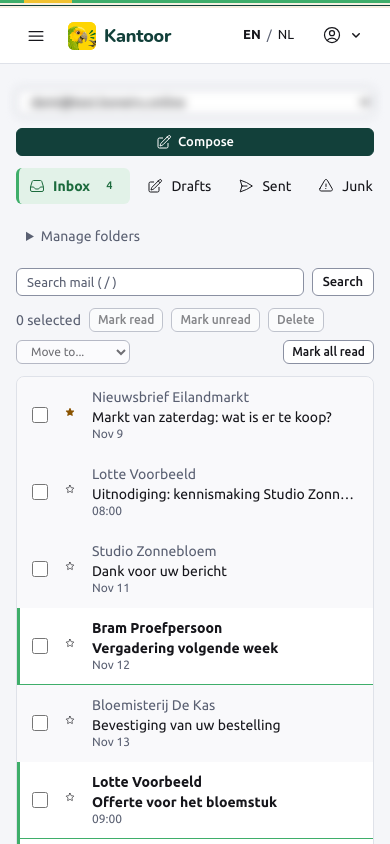
Using Kantoor on a phone
Section titled “Using Kantoor on a phone”Every screen works on a phone. You can also use the mail, calendar and contacts apps of your phone with Kantoor: see Mail and calendar apps.