

Tienda at a glance
TiendaTour
Tienda is your shop: your orders, at the counter (with the New Order form of the back office) and online, your products and stock, your customers, a web shop, and the reports that tell you how sales go. Depending on your plan it also has events and tickets, subscriptions, delivery, bookkeeping, tax and payroll.
The back office, where you and your staff work, is at
https://tienda.shilohbv.com. Your web shop has its own address, for example
shop.example.com.
Signing in
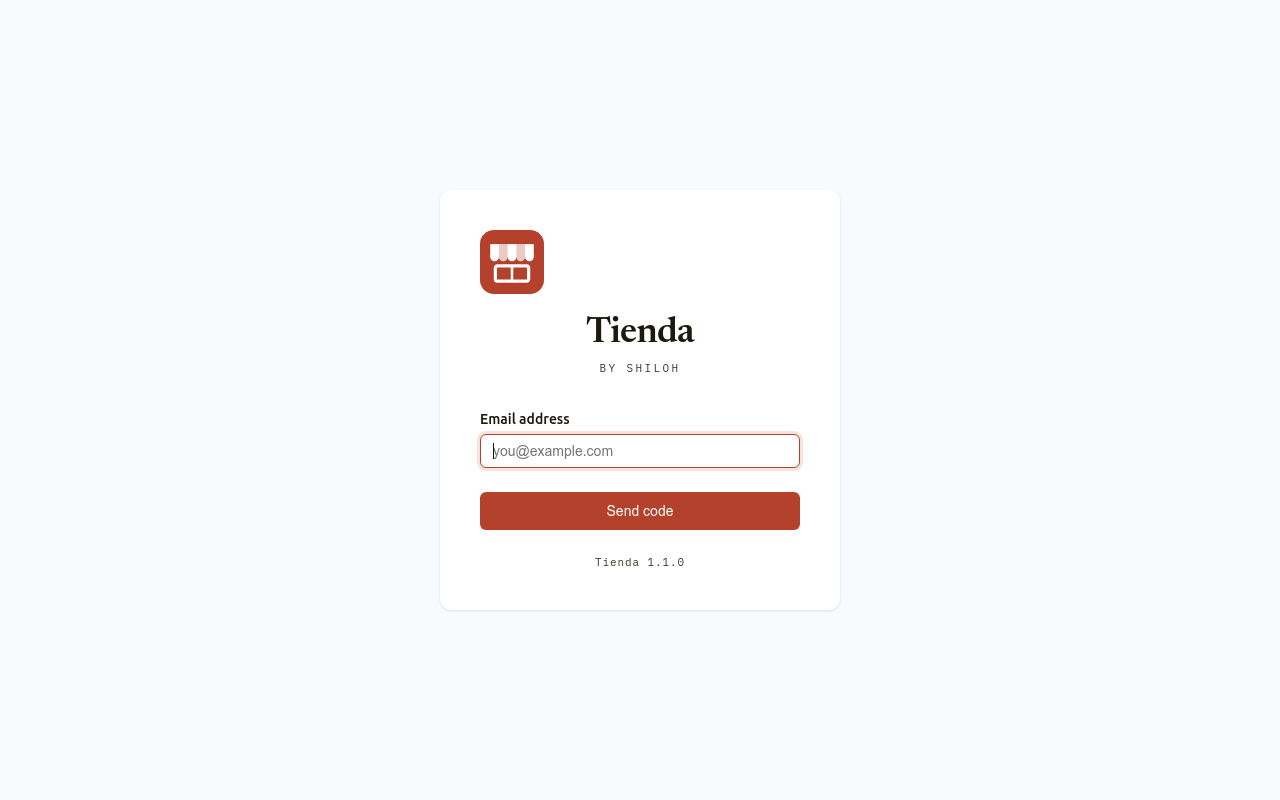
Section titled “Signing in”Tienda has no passwords. You sign in with a one-time code sent to your e-mail:
- Open https://tienda.shilohbv.com.
- Type your Email address and choose Send code.
- Tienda says A login code has been sent to your email. Type the six digits from the mail in Login code and choose Verify.
A code works once. It is valid for 10 minutes. After five wrong tries the code no longer works; ask for a new one. See also Signing in.
The back office
Section titled “The back office”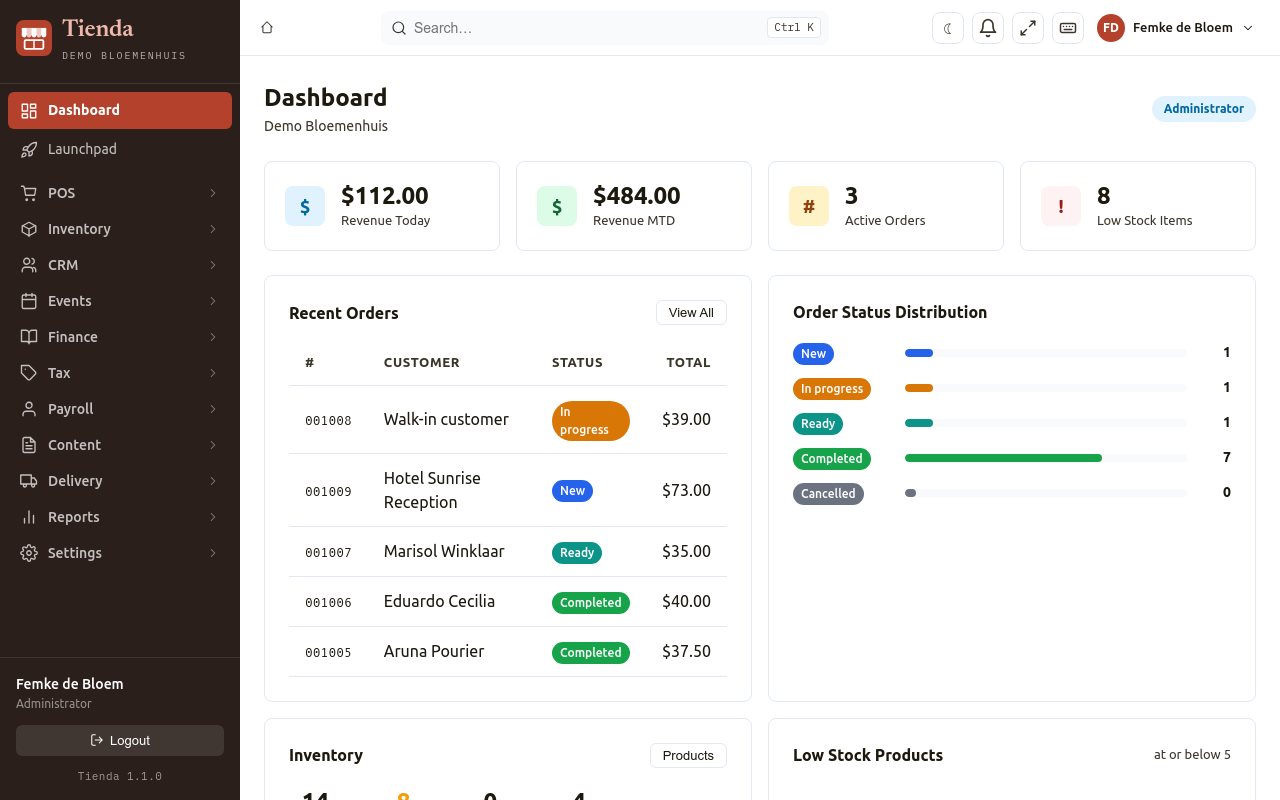
The menu on the left has one group per part of the shop. Which groups you see depends on the modules in your plan and on your role:
| Menu group | What is in it | Page |
|---|---|---|
| Dashboard | Today’s sales, recent orders, low stock | this page |
| POS | Orders (with New Order for a counter sale), Fulfillments, Customer, Cash Drawers, Coupons, Gift cards, Invoices | Selling at the counter, Orders, Coupons and gift cards, Invoices |
| Inventory | Products, Categories, Product Types, Attributes, SKU Types, Image Imports; Stock, Purchases, Suppliers, Locations, Stock Transfer; customer Subscriptions | Products, Stock and purchasing, Subscriptions |
| CRM | Contacts, Companies, Groups, Teachers, Messages, Newsletters, Sign-ups, Duplicate contacts, Referrals, Address Issues | Customers and CRM, Loyalty |
| Events | Events, attendees, tickets, stalls, locations | Events and tickets |
| Finance | Journals, postings, receipts, documents, statements, accounts, periods | Books |
| Tax | Tax rates, tax returns, tax settings | Tax |
| Payroll | Employees, pay runs, payslips, wage tax | Payroll |
| Content | Pages, menus and blocks of your web shop, e-mail templates, announcements, media | Web shop content |
| Delivery | Route planner, drivers, time slots | Delivery |
| Reports | Sales, products, customers, events, subscriptions, growth, margin | Reports |
| Settings | Store, sales, access and integrations | Settings |
Each group also has a Launchpad page with large buttons for its screens, handy on a tablet.
At the top you find the search (Ctrl K), a switch between light and dark, the bell with notifications, full screen, Keyboard shortcuts, and your name, which opens your menu with My Account. Logout is at the bottom of the menu on the left.
The dashboard
Section titled “The dashboard”The Dashboard shows Revenue Today, Revenue MTD (this month), the number of Active Orders and of Low Stock Items, the Recent Orders with their status and total, the Order Status Distribution, a summary of your inventory, and the Low Stock Products. An administrator can put a welcome message at the top (see Settings, General).
Modules
Section titled “Modules”Tienda is made of modules. Settings, Modules lists the modules in your plan.
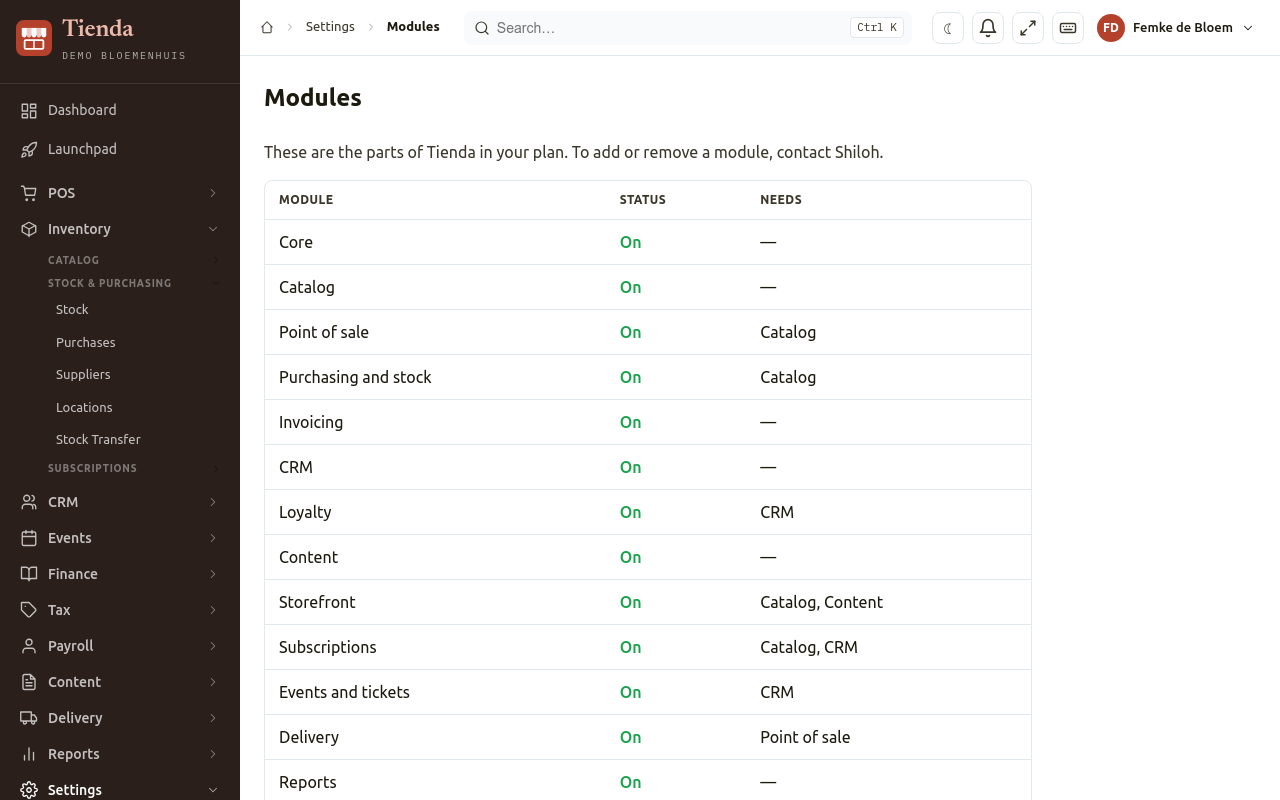
To add or remove one, contact us. A screen of a module you do not have says Not part of your plan.
| Module | What it gives you |
|---|---|
| Core | Users, settings, dashboard |
| Catalog | Products, categories, prices |
| Point of sale | Orders (including counter sales with New Order), customers, cash drawers. A register screen (touch till) is not available yet. |
| Purchasing and stock | Suppliers, purchases, stock, locations |
| CRM | Contacts, companies, groups, messages, newsletters |
| Loyalty | Points, levels, referrals |
| Content | The pages and blocks of your web shop, e-mail templates |
| Storefront | The web shop |
| Subscriptions | Recurring orders, such as a weekly box |
| Events and tickets | Events, tickets, check-in |
| Delivery | Route planning and the driver app |
| Reports | Sales and other statistics |
| Books | Bookkeeping |
| Tax | Tax rates and returns |
| Payroll | Employees and payslips |
| Invoicing | Invoices and credit notes from orders |
Working on a shared computer
Section titled “Working on a shared computer”On a shared computer at the counter:
- Switch user lets a colleague take over with their 4-digit PIN, without signing out.
- Lock screen locks the screen; it unlocks with your PIN. The screen can also lock by itself after some minutes without use (see Settings, Security).
Set your PIN under My Account (choose your name at the top).
Languages
Section titled “Languages”The back office is in English or Dutch: choose the Language under My Account. With Papiamentu or Spanish, the back office is shown in English. Some screens are in English only so far.