

Balie at a glance
BalieTour
Balie is the front desk of your organisation. In one place you keep:
- a website with your own pages, in one or more languages;
- forms for your website, and an inbox for what people send;
- bookings: appointments, classes and rentals that visitors book themselves;
- invoices, quotes and credit notes, with payments and reminders;
- contacts: the people and companies you deal with.
Balie is also where you sign up for the suite and where you manage your subscription.
Balie is at https://balie.shilohbv.com. Your website is at
your-name.boneiru.online, or at your own domain name.
Finding your way
Section titled “Finding your way”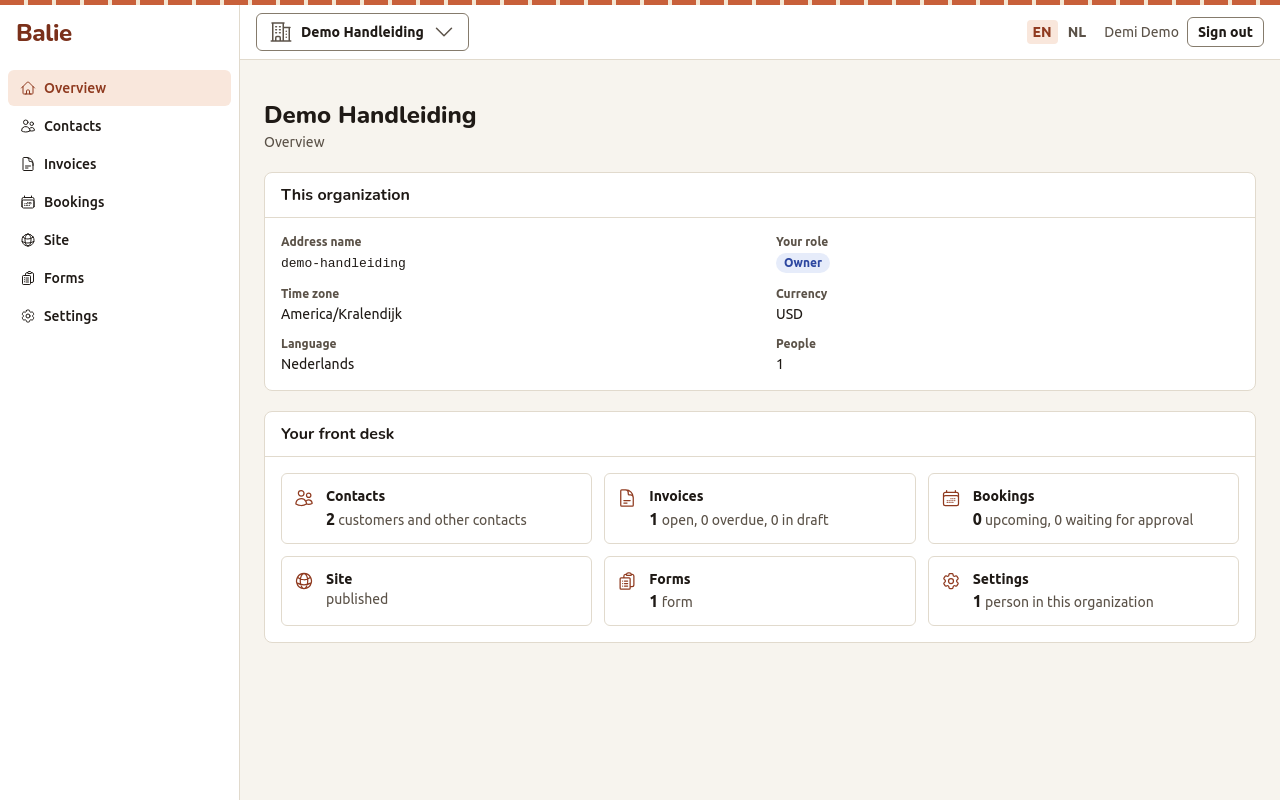
The menu on the left has the parts of your organisation:
| Menu item | What you do there | Page |
|---|---|---|
| Overview | See where things stand: contacts, open invoices, upcoming bookings, your site and your forms. | this page |
| Contacts | Keep the people and companies you deal with. | Contacts |
| Invoices | Write quotes, invoices and credit notes; record payments. | Invoices, quotes and credit notes |
| Bookings | See and manage the booking calendar; set up what people can book. | Bookings, Booking setup |
| Site | Build and publish your website. | Your website |
| Forms | Build forms and read what people send. | Forms |
| Settings | Name, language, people, API keys and your subscription. | Settings |
At the top of the screen you find the name of the organisation (it opens the list of your organisations), the language switch (EN | NL), your name and Sign out.
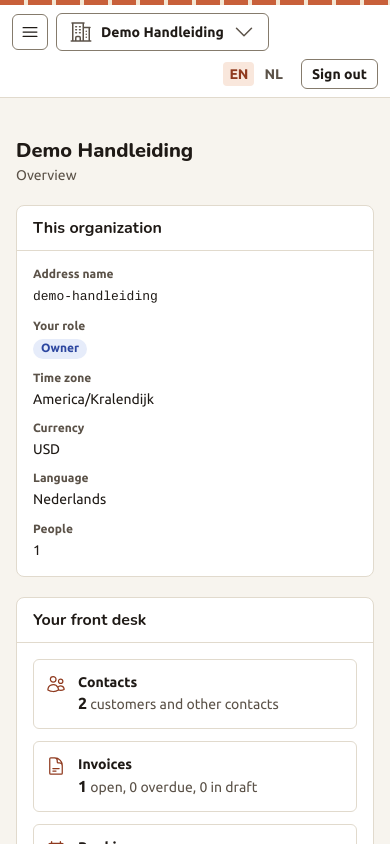
On a phone the menu is behind the menu button at the top left.
The Overview
Section titled “The Overview”The Overview shows:
- This organization: its address name (the first part of your website address), your role, the time zone, the currency, the language and the number of people.
- Your front desk: one card per part, with a link:
- Contacts: how many customers and other contacts you have;
- Invoices: how many are open, how many are overdue and how many are in draft;
- Bookings: how many are coming up and how many wait for your approval;
- Site: whether it is published;
- Forms: how many forms you have;
- Settings: how many people are in the organisation.
More than one organisation
Section titled “More than one organisation”One person can belong to several organisations, for example two businesses. The name of the organisation at the top opens Your organizations: choose another one to switch. To start another organisation, see New organization.
Who can do what
Section titled “Who can do what”Every person in an organisation has a role: Owner, Editor, Bookkeeper or Staff. The role decides which buttons you see. See Roles and permissions.