Orders and fulfilments
TiendaPoint of sale
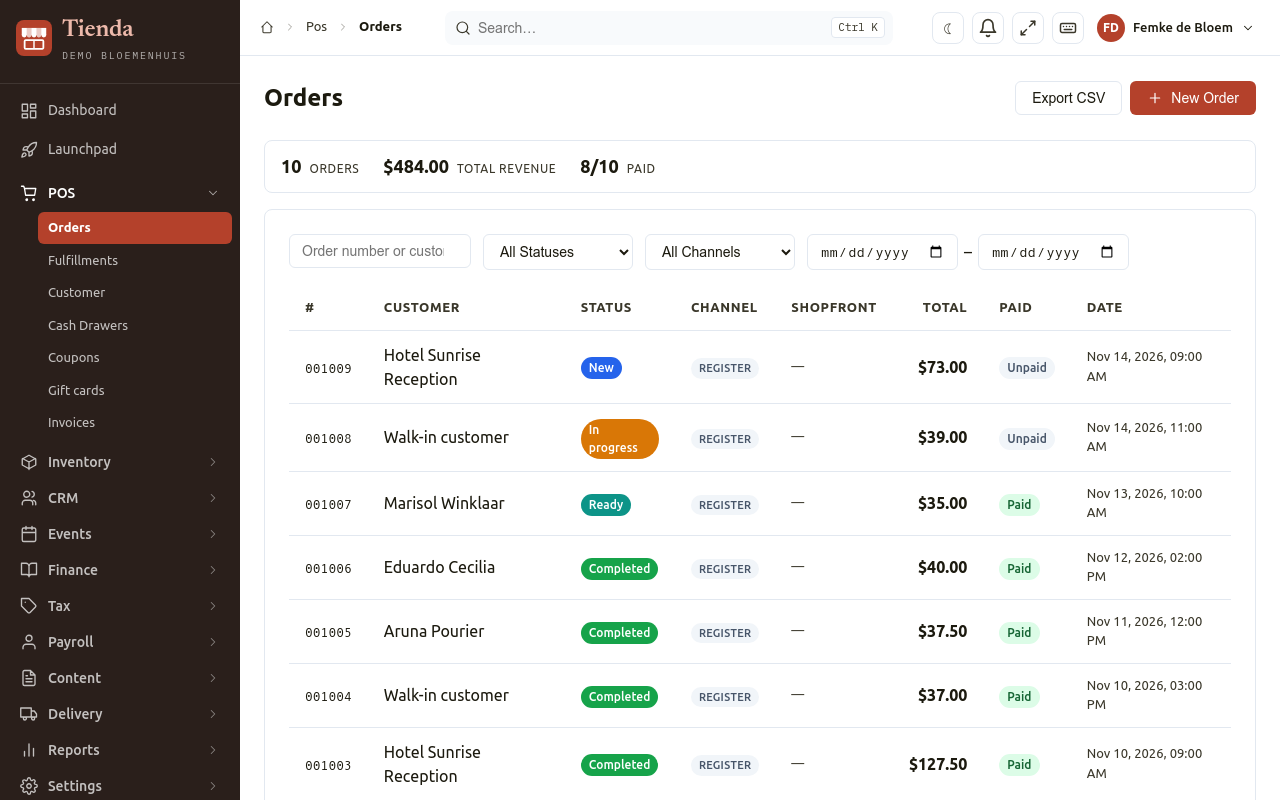
Every sale is an order: at the counter (made with New Order), in the web shop, for a ticket or for a subscription. POS, Orders lists them all, newest first.
Find an order
Section titled “Find an order”The list shows each order’s number, Customer, Status, Channel (where it was sold: Register for a sale made with New Order, or the web shop), Shopfront, Total, Date and payment state: Paid, Partial, Unpaid or Refunded. The filters narrow the list by status, channel and dates. Export CSV downloads the list.
Open an order
Section titled “Open an order”Open an order to see its Items, Payments, Fulfillment and Notes, and the totals (Subtotal, Tax, Total).
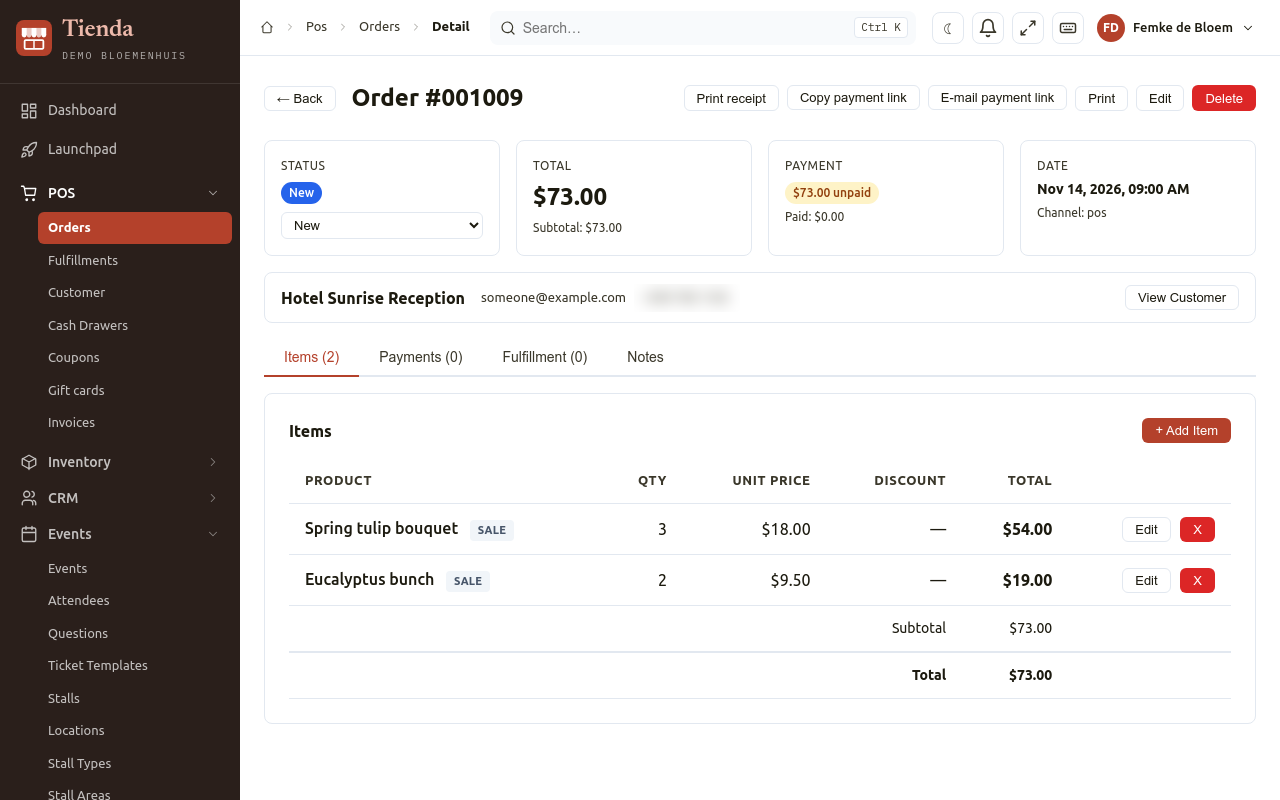
- Change status moves the order to another status, for example from new to ready. When that status has an e-mail for the customer, Tienda asks E-mail the customer?: choose the E-mail template and Send e-mail, or Do not send. Statuses and their e-mails are set under Settings, Order Statuses.
- Add Item adds a product to the order; Edit Item changes a line.
- Print receipt opens the receipt again, to print from the browser.
- Copy payment link and E-mail payment link give the customer a link to pay an unpaid order online (when online payment is switched on; see Settings, Payment Gateways).
- View Customer opens the customer.
- Edit changes the status, date and notes; Delete removes the order.
Record a payment later
Section titled “Record a payment later”For an order that is not (fully) paid:
- Choose Record Payment.
- Choose the Payment Method and the Amount (for cash also the Cash Received), and save.
Remaining shows what is still to pay.
Refund and return
Section titled “Refund and return”- Under Payments, choose Refund next to the payment.
- To take items back, type the quantities under Return. Tick Put the returned items back in stock if they can be sold again. Leave the quantities at 0 to give money back without a return. Refund everything fills in the whole order.
- Check the Amount to refund and Refund through (the payment method), and choose Refund.
The order then shows the Refunds, the Returned items and whether they went back in stock or were not restocked.
Void a payment that was booked by mistake: it no longer counts, and the order is open for that amount again.
Fulfilments: what must be picked up or delivered
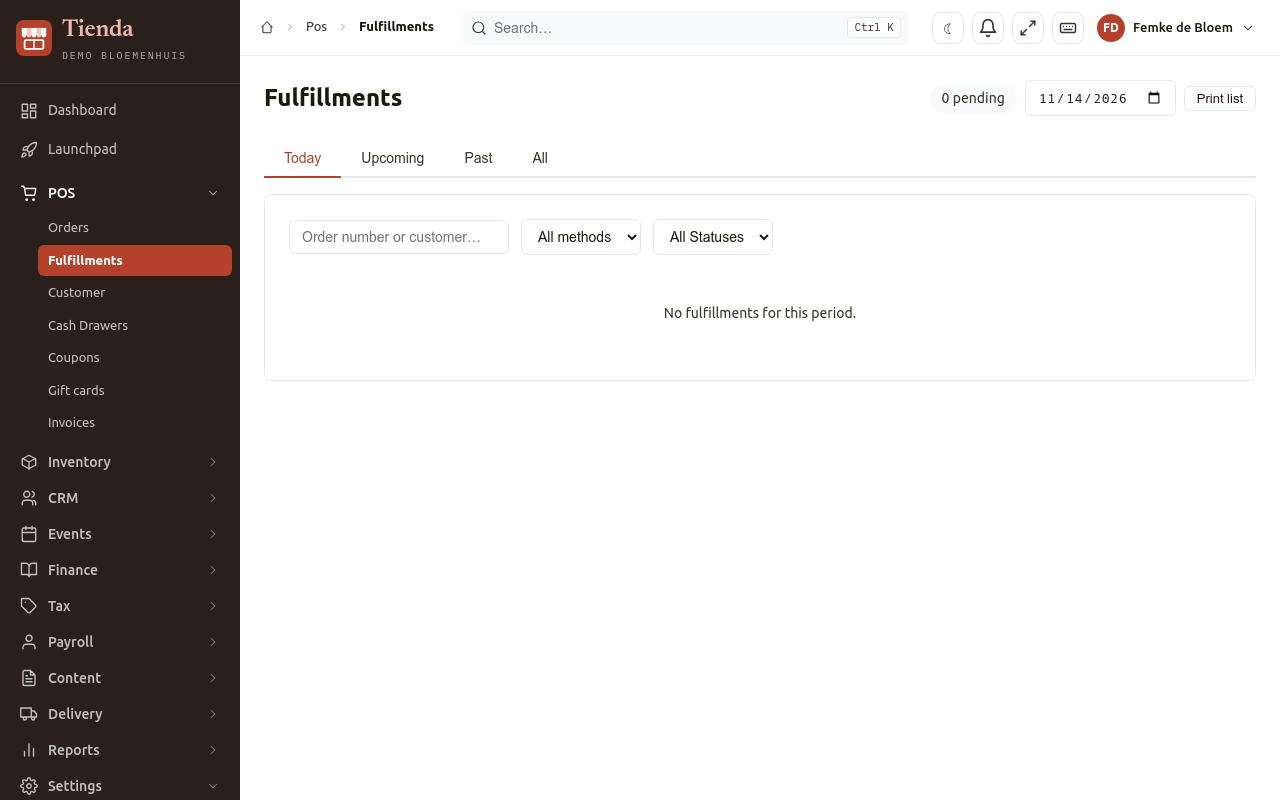
Section titled “Fulfilments: what must be picked up or delivered”POS, Fulfillments lists the orders that a customer collects later or that are delivered, with the day and time.
- Choose Today, Upcoming, Past or All, and filter by Method (pickup or delivery) and Status.
- Fulfilled marks a line as handed over.
- Print list prints the list of a day (Day to print), for example for the morning preparation.
- Open Order opens the order.