Settings
KantoorSettings
Open Settings. Each part has its own page, listed at the top of every settings page:
| Page | What you set | Manual page |
|---|---|---|
| Profile | Name, language, time zone, mail layout, tasks view | this page |
| Identities | Names and addresses you send as, signatures | this page |
| Filters | Rules that sort new mail | Filters and vacation reply |
| Vacation reply | An automatic answer while you are away | Filters and vacation reply |
| Calendars | Calendars you follow from elsewhere | Subscribed calendars |
| App passwords | Passwords for your mail and calendar apps | App passwords |
| Sharing | Calendars, task lists and address books you share; free/busy | Sharing |
Profile
Section titled “Profile”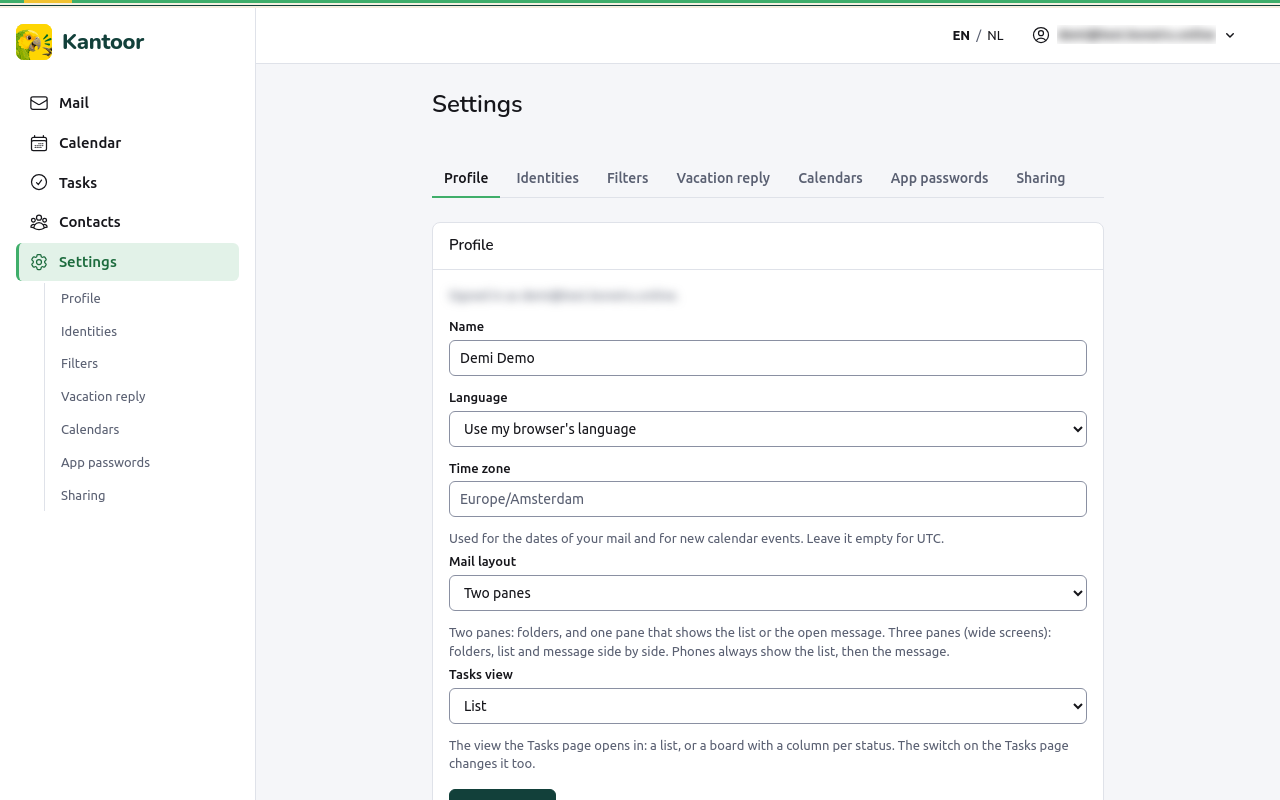
The page says with which address you are Signed in as.
| Setting | What it changes |
|---|---|
| Name | Your name in Kantoor, and the sender name of your mail when you have no identity. |
| Language | English or Nederlands, on every device. Use my browser’s language follows the browser. The EN / NL switch saves it too. |
| Time zone | The time zone for the dates of your mail and for new calendar events, for example America/Kralendijk or Europe/Amsterdam. Leave it empty for UTC. |
| Mail layout | Two panes: folders, and one pane that shows the list or the open message. Three panes (wide screens): folders, list and message side by side. Phones always show the list, then the message. |
| Tasks view | Whether the Tasks page opens as a List or a Board. |
Choose Save profile.
Identities
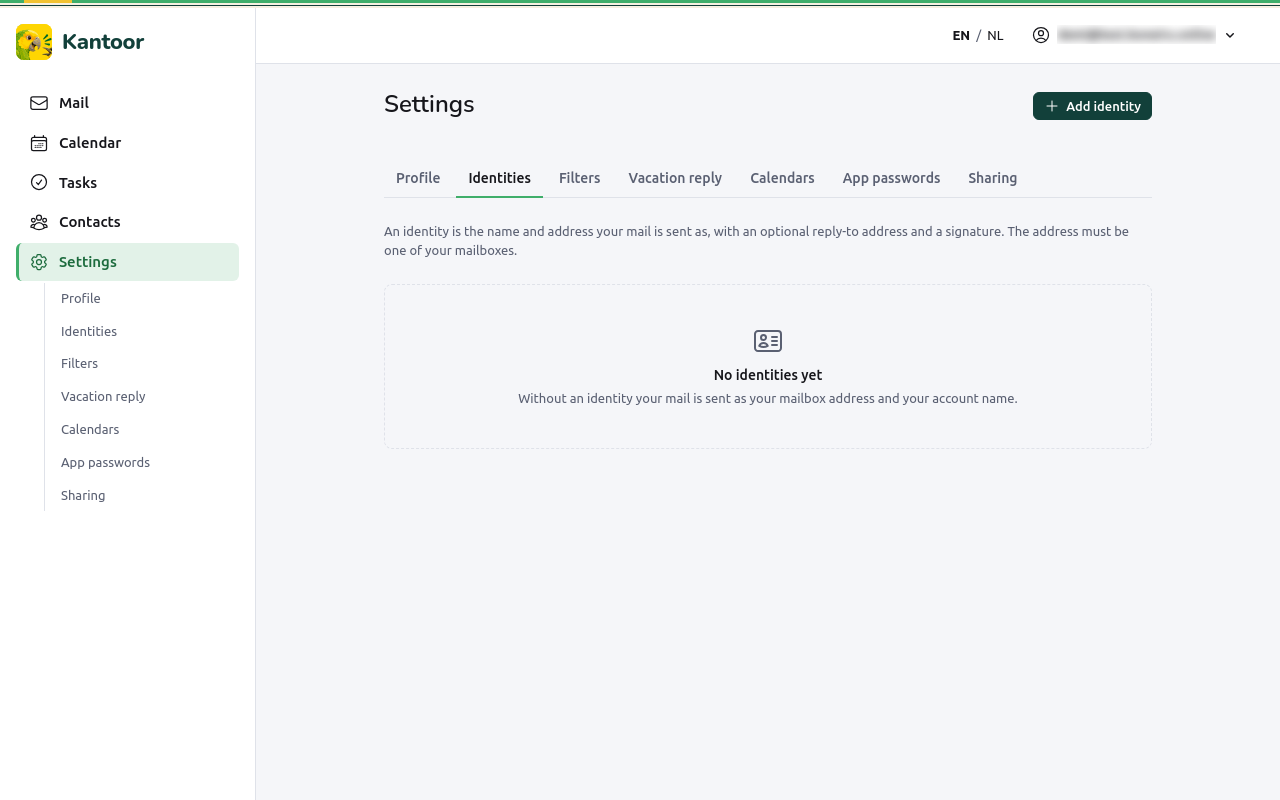
Section titled “Identities”An identity is the name and address your mail is sent as, with an optional reply-to address and a signature. The address must be one of your mailboxes. Without an identity, your mail is sent as your mailbox address and your account name.
- Choose Add identity.
- Fill in:
- Address: one of your mailbox addresses;
- Name: the sender name people see, for example “Kralendijk Koffie, Femke”;
- Reply-to address (optional): where answers go, if not to this address;
- Signature: plain text added at the bottom of your mail;
- HTML signature (optional): used when you send a formatted version. Scripts, styles and images from the internet are removed when you save.
- Choose Save identity.
You can have up to 20 identities. The first is your default; Make default chooses another. Edit and Delete change or remove one.