

Sharing
KantoorSettings
You can share your calendars, task lists and address books with other people who use Kantoor, read-only or so that they can change them. You can also let them see when you are busy, without showing what your appointments are.
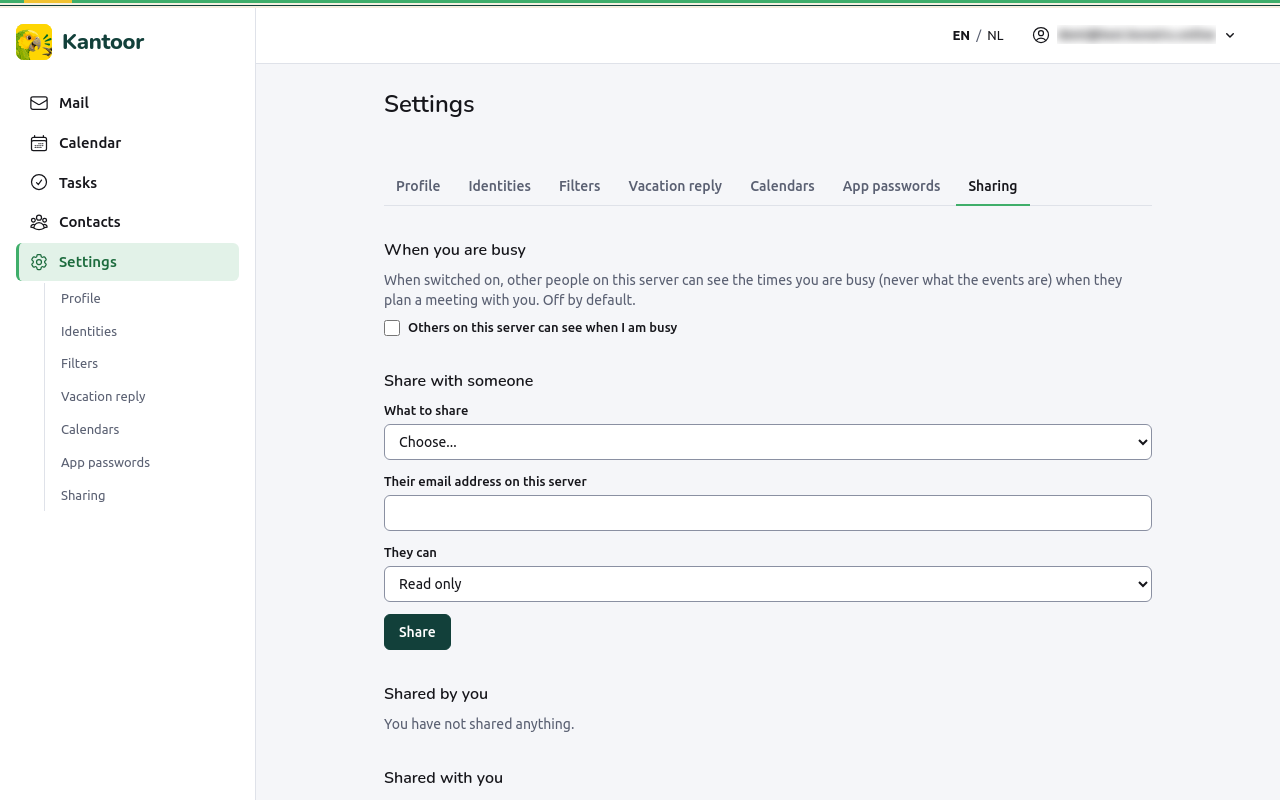
Share with someone
Section titled “Share with someone”- Open Settings, Sharing.
- Under Share with someone, choose What to share.
- Type Their email address on this server: the exact address they sign in with. There is no search, so type it in full.
- Under They can, choose Read only or Read and write.
- Choose Share.
The other person sees it at once, with your name, in Kantoor and in their calendar or contacts app.
Change or stop sharing
Section titled “Change or stop sharing”Shared by you lists what you share, With whom and their Access:
- Make read only or Allow writing changes the access;
- Revoke stops sharing. They lose access immediately.
Shared with you lists what others share with you.
When you are busy
Section titled “When you are busy”Tick Others on this server can see when I am busy to let colleagues see your busy times when they plan a meeting with you (under Check availability in the calendar). They see only the times, never what the events are. It is off until you switch it on.